Common Website Security Mistakes and How to Fix Them
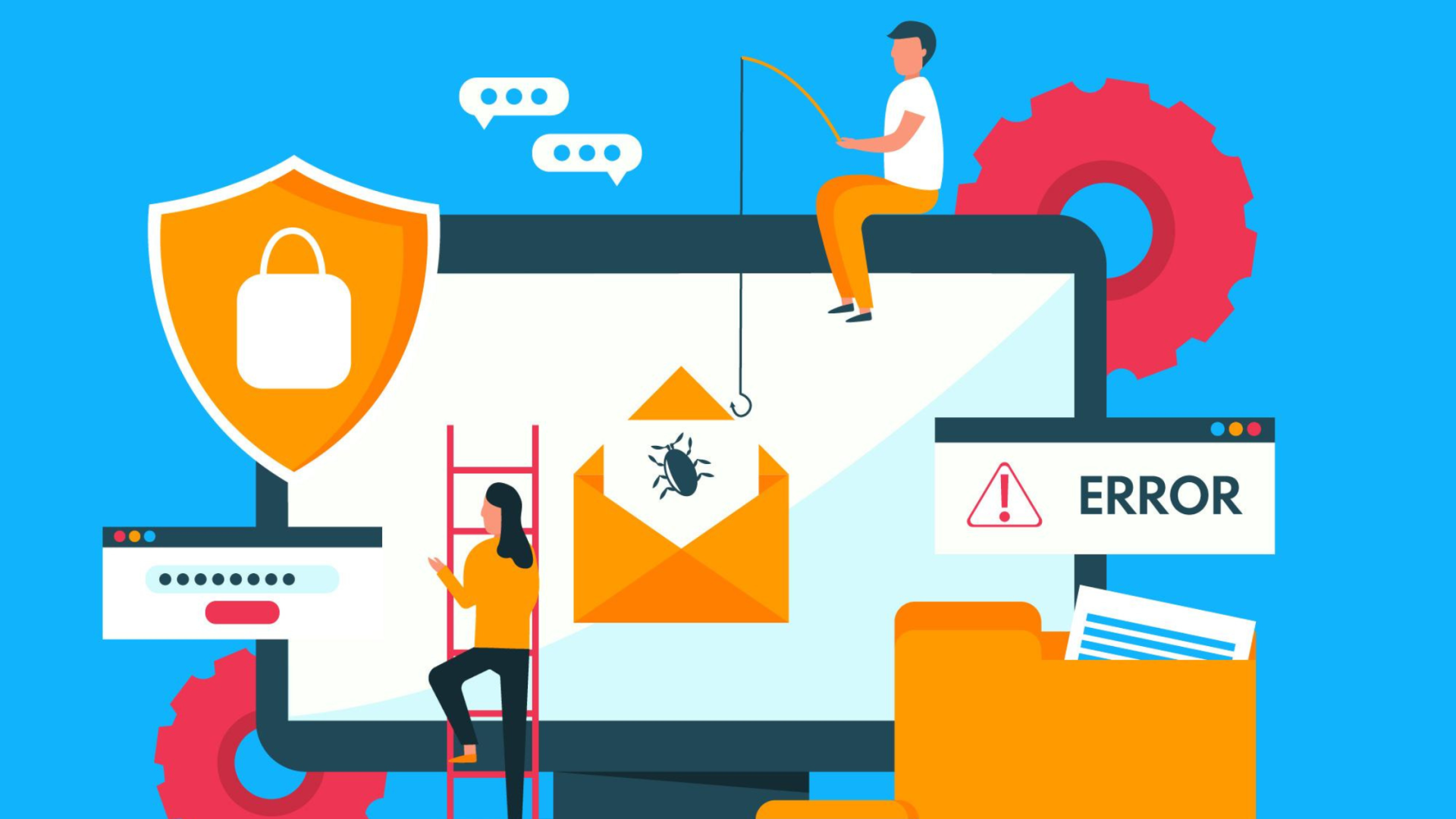
In today’s digital-first world, website security is no longer optional. Cyberattacks, data breaches, and malware infections can damage your brand reputation, cause financial losses, and even lead to legal trouble. Unfortunately, many businesses still make avoidable security mistakes that leave their websites vulnerable.
In this article, we’ll explore the most common website security mistakes and explain how to fix them effectively.
- Using Weak or Reused Passwords
The Mistake
Many website owners use simple passwords like “admin123” or reuse the same password across multiple platforms. This makes it easy for hackers to gain access using brute-force attacks.
How to Fix It
- Use strong, unique passwords with a mix of letters, numbers, and symbols
- Enable two-factor authentication (2FA)
- Use a password manager to store credentials securely
- Not Updating Software, Plugins, or Themes
The Mistake
Outdated CMS platforms, plugins, and themes are one of the most common entry points for hackers.
How to Fix It
- Regularly update your CMS (WordPress, Joomla, etc.)
- Remove unused or abandoned plugins
- Enable automatic updates where possible
- Ignoring SSL Certificates (HTTPS)
The Mistake
Running a website without an SSL certificate exposes sensitive user data and harms SEO rankings.
How to Fix It
- Install an SSL certificate to enable HTTPS
- Redirect all HTTP traffic to HTTPS
- Renew SSL certificates before expiration
- Poor User Access Management
The Mistake
Giving full admin access to multiple users increases the risk of accidental or malicious changes.
How to Fix It
- Assign role-based permissions
- Limit admin access to only essential users
- Remove access for inactive users
- Lack of Regular Website Backups
The Mistake
Many businesses only realize the importance of backups after a cyberattack or data loss.
How to Fix It
- Schedule automatic daily or weekly backups
- Store backups on secure off-site locations or cloud storage
- Test backups to ensure they can be restored
- Not Using a Web Application Firewall (WAF)
The Mistake
Without a firewall, your website is exposed to malicious traffic, DDoS attacks, and SQL injections.
How to Fix It
- Implement a Web Application Firewall (WAF)
- Monitor incoming traffic for suspicious activity
- Block IPs showing malicious behavior
- Insecure File Uploads
The Mistake
Allowing users to upload files without validation can lead to malware injection.
How to Fix It
- Restrict allowed file types
- Scan uploaded files for malware
- Store uploads outside the root directory
- Not Protecting Against Brute-Force Attacks
The Mistake
Login pages without protection are easy targets for automated attack scripts.
How to Fix It
- Limit login attempts
- Use CAPTCHA or reCAPTCHA
- Change default login URLs
- Ignoring Security Monitoring and Logs
The Mistake
Many website owners don’t monitor activity logs, allowing threats to go unnoticed.
How to Fix It
- Enable security logs and alerts
- Monitor suspicious login attempts
- Use security plugins or monitoring tools
- Choosing Cheap or Unreliable Hosting
The Mistake
Low-quality hosting providers often lack proper security infrastructure.
How to Fix It
- Choose a reliable hosting provider with strong security features
- Look for malware scanning, DDoS protection, and server firewalls
- Ensure regular server-level updates
Why Fixing These Security Mistakes Matters
Ignoring website security can result in:
- Loss of customer trust
- Search engine penalties
- Downtime and lost revenue
- Legal and compliance issues
A secure website protects your users, improves SEO performance, and strengthens your brand credibility.
Final Thought
Website security is not a one-time task—it’s an ongoing responsibility. Even a small vulnerability can expose your website to serious risks, from data breaches and downtime to lost customer trust and search engine penalties. By addressing these common security mistakes proactively, you not only protect sensitive data but also ensure a stable, high-performing website that supports long-term business growth.
A secure website enhances user confidence, improves SEO rankings, and safeguards your brand’s reputation in an increasingly competitive digital landscape. If you want expert guidance, proactive protection, and a future-ready website, investing in professional website development services is the smartest move you can make.
Contact us today to secure, optimize, and strengthen your website with reliable website development services tailored to your business needs.