HTML vs CSS vs JavaScript: Understanding the Basics
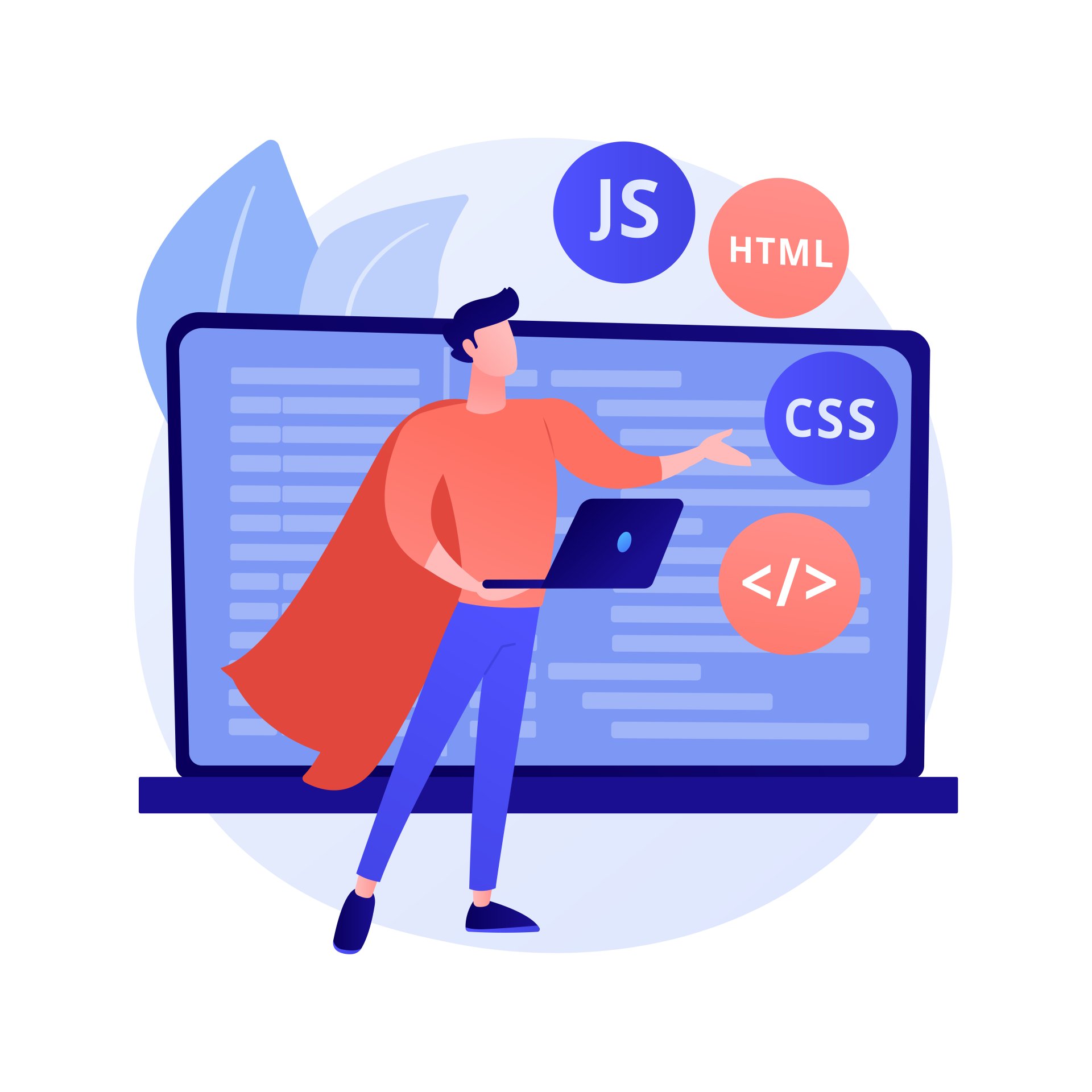
When it comes to building a website, three core technologies form the foundation of every web page - HTML, CSS, and JavaScript. Whether you’re a beginner stepping into web development or a business owner trying to understand how websites work, knowing the difference between these three is essential. In this guide, RankON Technologies explains how each technology contributes to creating modern, engaging websites.
What Is HTML? (The Structure of a Website)
HTML (HyperText Markup Language) is the backbone of every web page.
It provides the structural layout and tells the browser what content should appear on the page.
Key Functions of HTML:
- Creates the basic structure of web pages
- Defines elements like headings, paragraphs, links, buttons, images, and lists
- Helps search engines understand the content on your website
- Works as the foundation on which CSS and JavaScript build
Example HTML Elements:
<h1>Welcome to RankON Technologies</h1>
<p>Your trusted digital marketing partner.</p>
<img src="image.jpg" alt="Digital Marketing Services">
What Is CSS? (The Styling of a Website)
CSS (Cascading Style Sheets) is responsible for how a website looks and feels.
It controls the design, making your web pages visually appealing and user-friendly.
Key Functions of CSS:
- Adds colors, fonts, backgrounds, and spacing to HTML elements
- Creates responsive designs for mobiles, tablets, and desktops
- Helps build attractive layouts using Flexbox, Grid, and animations
- Enhances user experience through clean and professional styling
Example CSS Styling:
h1 {
color: #0056d2;
font-size: 36px;
}
p {
font-size: 18px;
color: #333;
}
What Is JavaScript? (The Interaction of a Website)
JavaScript is the programming language that adds interactivity and dynamic features to a website.
It makes sites behave like modern applications rather than static pages.
Key Functions of JavaScript:
- Enables actions like form validation, pop-ups, sliders, and dropdown menus
- Updates content dynamically without refreshing the page
- Powers interactive features in modern web applications
- Works with HTML and CSS to create engaging user experiences
Example JavaScript Code:
document.getElementById("btn").addEventListener("click", function() {
alert("Welcome to RankON Technologies!");
});
HTML vs CSS vs JavaScript: Key Differences
|
Feature |
HTML |
CSS |
JavaScript |
|
Purpose |
Structure |
Design & Styling |
Interactivity |
|
Type |
Markup language |
Style sheet language |
Programming language |
|
Controls |
Content |
Layout & appearance |
Dynamic behavior |
|
Example Uses |
Headings, images, forms |
Colors, fonts, animations |
Sliders, popups, API calls |
|
Position in Web Development |
Base layer |
Styling layer |
Behavior layer |
How HTML, CSS, and JavaScript Work Together
Think of a website like building a house:
- HTML is the structure — the walls and rooms
- CSS is the paint and decorations — the colors, designs, and layout
- JavaScript is the electricity and appliances — making things functional and interactive
Together, they create a complete, functional, and beautiful website.
Why Understanding the Basics Matters
Whether you're building a simple webpage or a high-performance web application, mastering these three technologies is the first step. At we use the perfect combination of HTML, CSS, and JavaScript to deliver responsive, fast, and user-friendly websites that help businesses succeed online.
Conclusion
HTML, CSS, and JavaScript each play a unique and essential role in web development. When used together, they form the foundation of modern, functional, and visually appealing websites. Contact RankON Technologies Today to build a website that performs, engages, and grows your business.